A short conversation with a photographer
We know you're awesome at the photos.
Let's talk about everything after.
bckup is a box for your drives and a studio for your work. Scroll — we'll ask, you answer.
Quick question. Where do all your photos actually live right now?
Honestly? A pile of hard drives, my laptop, and a cloud plan I keep upgrading. It's a mess.
Then meet the Box. Plug your drives in, join your Wi‑Fi, done.
Setup feels like pairing Bluetooth headphones. No IT degree, no terminal, no manual.
Okay, nice. But what happens when it fills up? That's always where they get you.
You just add another hard drive. No storage plan. You own it.
- Your library
- 1.84 TB
- Free space
- 0.16 TB
- Storage fees
- ₹0
And if I ever want to leave?
Unplug your drives and walk. No lock‑in. Always yours.
Storage, sorted.
Now the software.
bckup Studio runs on your Box. Search, galleries, client sharing, automation and camera import — in one modern app.
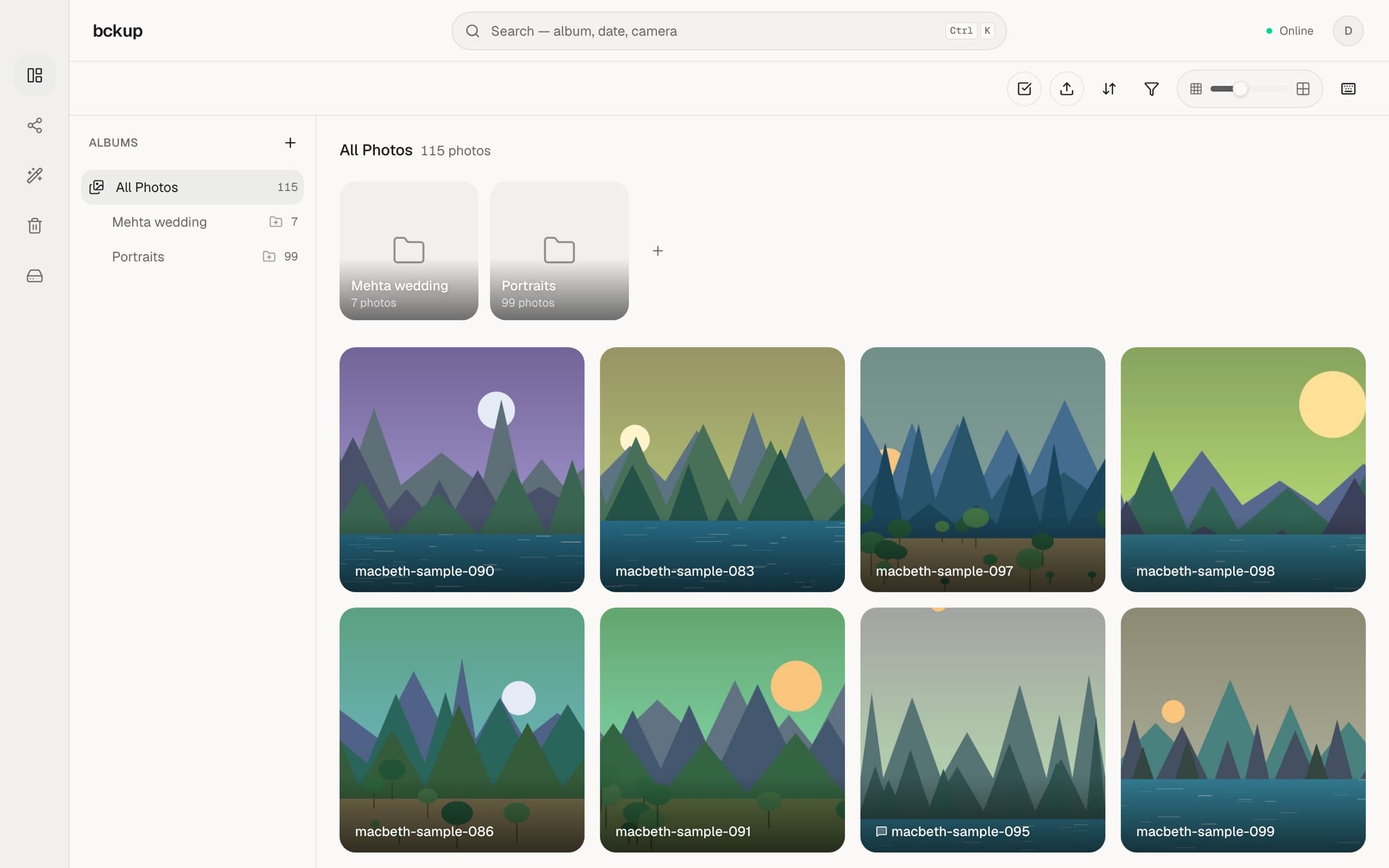
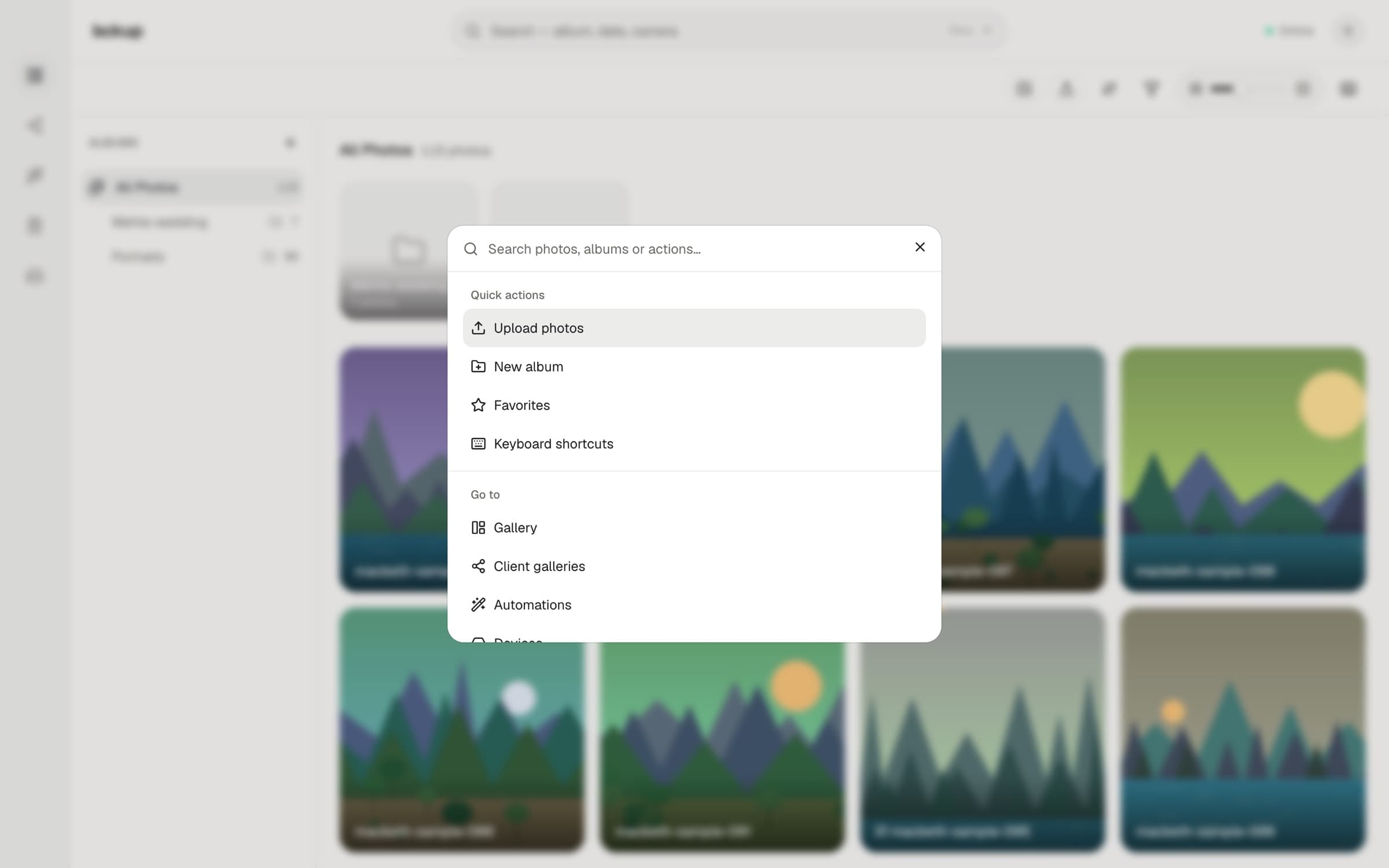
Finding one shot from a wedding three years ago takes me twenty minutes of folder digging.
Press ⌘K and type. Search, upload, everything — from one bar.
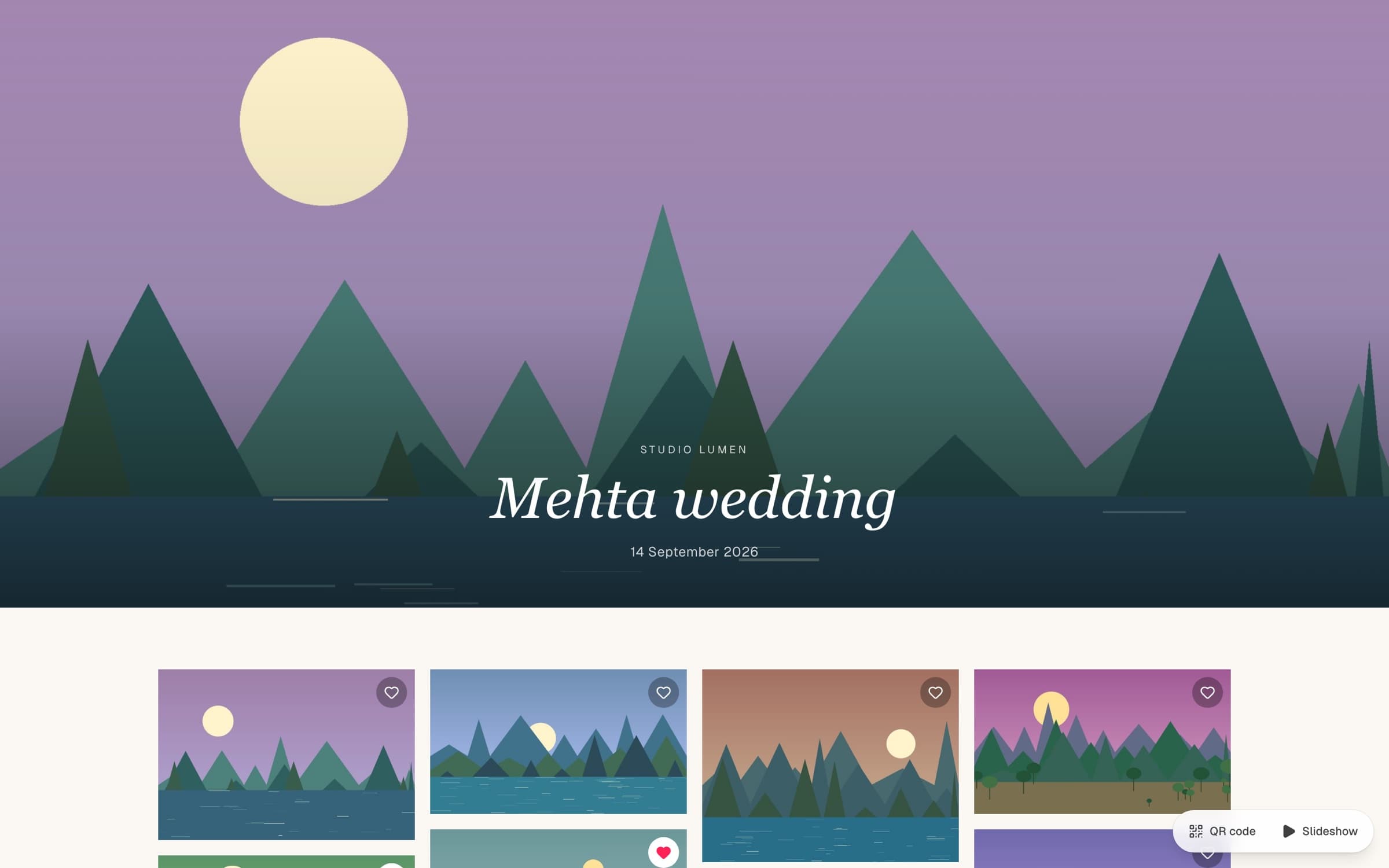
And clients? They always want to pick favorites and leave notes.
Publish a client gallery with one link. Slideshow, QR code and client favorites — all built in.
And I file everything by client, then the day — haldi, ceremony, reception. Folders inside folders.
Nest albums as deep as you like. Then auto-import pulls a whole shoot in by date.
- Clients2,468
- Mehta wedding1,284
- Haldi212
- Ceremony412
- Reception538
- Couple portraits122
- Arjun & Diya engagement640
- Kapoor anniversary544
- Studio portraits 2026318
I lose every Sunday to sorting, moving and deleting files.
Save a rule once. Automations find the photos that match — by date or camera — and file them for you.
Last one. Can I skip the card reader?
Connect your camera and back up straight over Wi‑Fi.
Every frame lands on your drives while you're still shooting. Asset management keeps cameras, cards and shoots tracked in Studio.
Okay. So what does all of this cost me?
One plan: Studio Basic, ₹399 a month. No storage fees — the drives are yours.
The Studio app that runs on your Box and turns a pile of drives into a studio.
- ⌘K search across every shoot
- Nested albums and auto-import
- Client galleries with favourites
- Automations that file photos for you
- Your library from anywhere
No storage fees. The space is your own hard drives — add another whenever you need more.
No lock-in. Stop paying for Studio and your photos stay right where they are — on your drives, in plain folders you can open on any computer. Always yours, always accessible.
So… shall we bckup your work?
Your Box, your drives, and bckup Studio Basic for ₹399 a month. No storage fees, and your photos stay yours. Leave your email and we'll tell you the moment it ships.
See Studio again